You can view the student engagement with the Assignment by following these steps:
-
Click on Gradebook
-
Click on the Gradable Item (e.g. a test or and assignment)
-
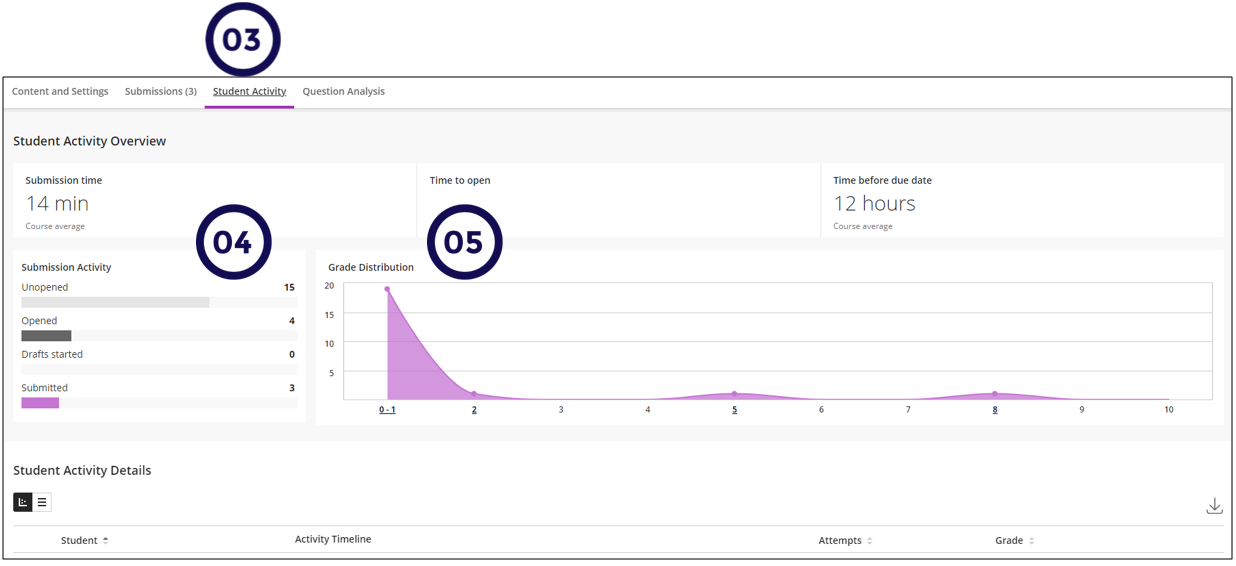
Click on Student Activity.
This page will display a summary of the student's activity at the top and the detail per student below.
-
On this panel you can see a summary of the number of students who opened, started a draft and submitted the submission.
-
On this panel you will see the grade distribution.