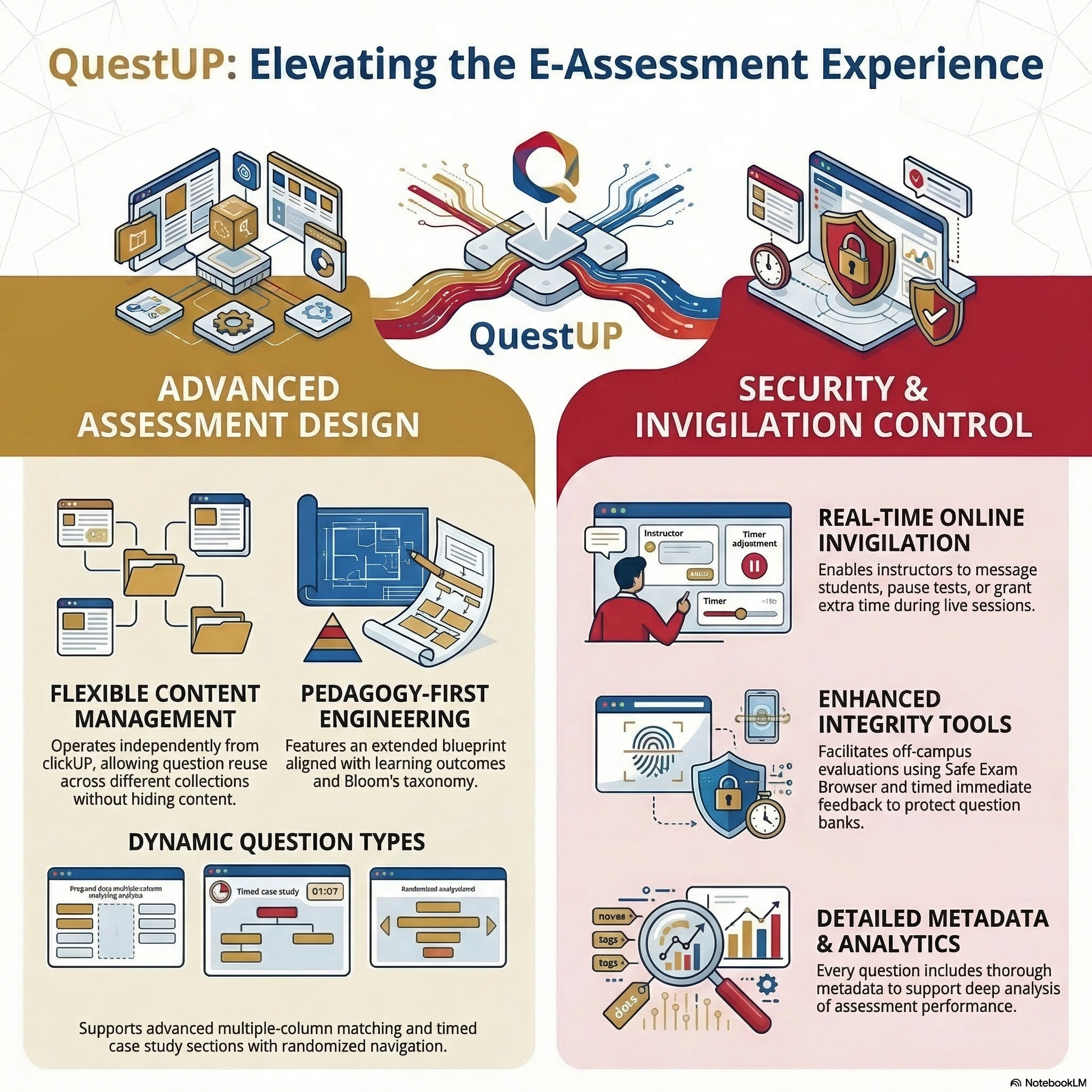
What QuestUP brings
Getting Started
Register to use the system (Personnel at UP)
Complete the form to register for QuestUP. This allows the CBT team to add your module, students, and access permissions.
Roles in QuestUP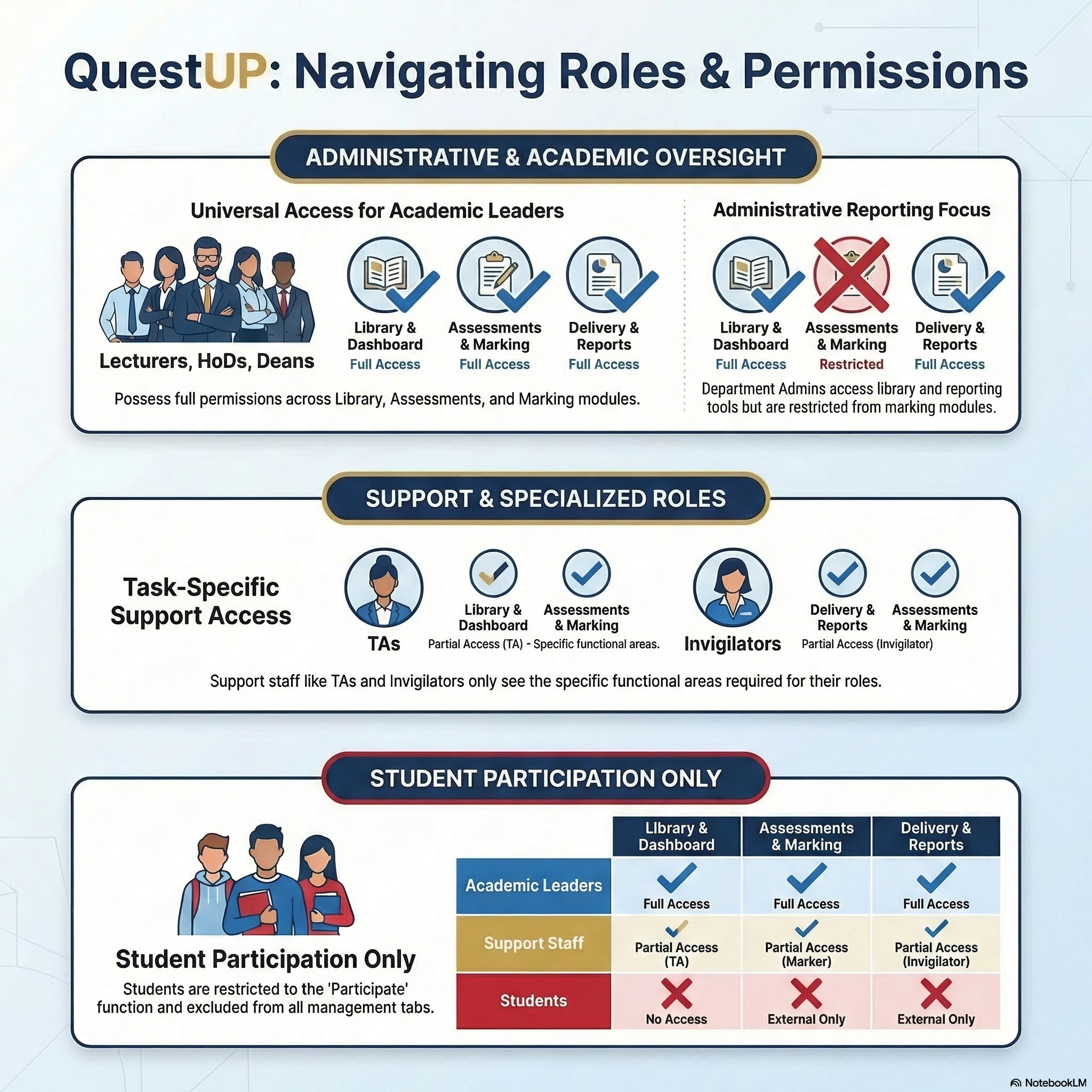
Terminology in QuestUP
Term | Description |
|---|---|
Library | Container of all collections, items and media elements accessible to a user. |
Collection | Group of questions. |
Item | A question. |
Tags | Metadata such as status, objectives, taxonomy, and topic. |
Section | Linked group of questions functioning as a sub-assessment. |
Learning Objective | Defines expected learning outcomes used in blueprints. |
Taxonomy | Classification system (e.g. Bloom’s) used for question design. |
Topic | Categorisation of items for simplified blueprinting. |
Dichotomous Marking | All-or-nothing scoring. |
Polytomous Marking | Partial scoring based on correctness. |
Page | Instructional screens (Welcome, Finish, NDA, Registration). |
Form | Exam script presented to students. |
Publish | Makes assessments or results available. |
Delivery | All actions related to students taking an assessment. |
Naming Conventions
Title | Convention |
|---|---|
Collection | Module code + topic OR Faculty + discipline + topic. |
Media | Module code + descriptive name. |
Assessment | YYYY_ModuleCode_Name |
Schedule | YYYYMMDD_ModuleCode_Name |