Whenever you provide students with support or you want to make a note to yourself as a reminder of something a student might have struggled with, you can use the Notes option:
- Click on Gradebook.
- Click on Grid view.
- Click on the student's name.
- The following screen will display:
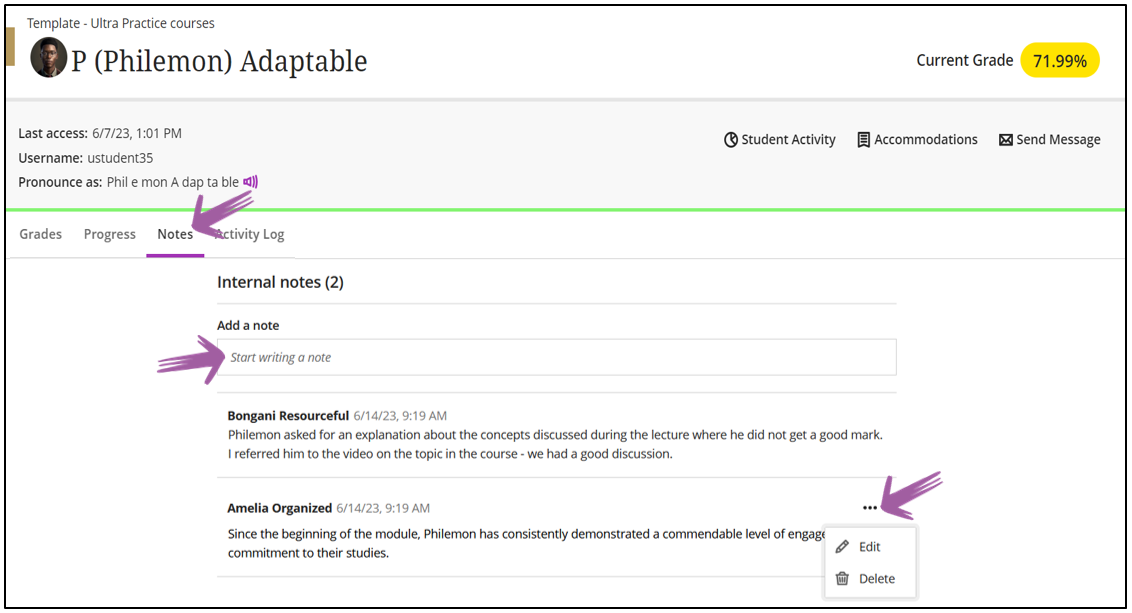
Multiple lecturers
Multiple lecturers will be able to add notes. You will only be able to edit and delete the notes you created.