This page explains how to create a basic poll in Vevox, including selecting a question type, adding a question and response options, customising poll settings, and saving the poll. It provides step-by-step instructions to help you create interactive polls.
Access your clickUP module and access the Vevox dashboard.
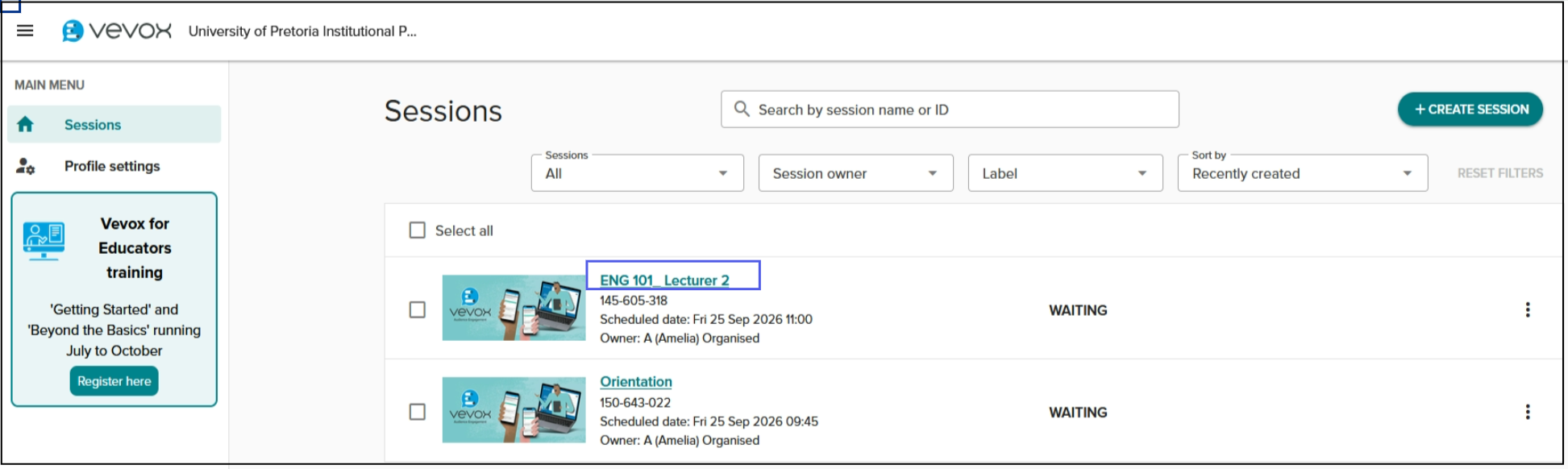
To add Content, click on the session name.
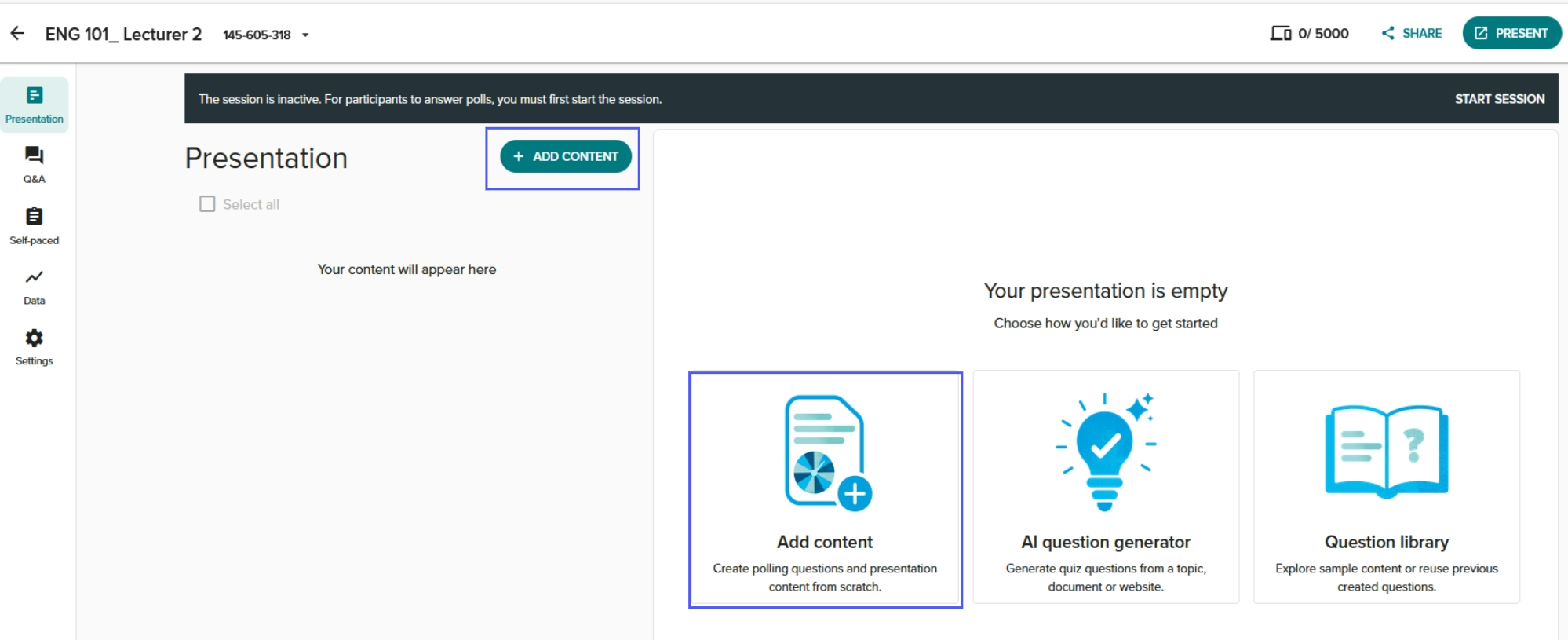
Click on Add Content.
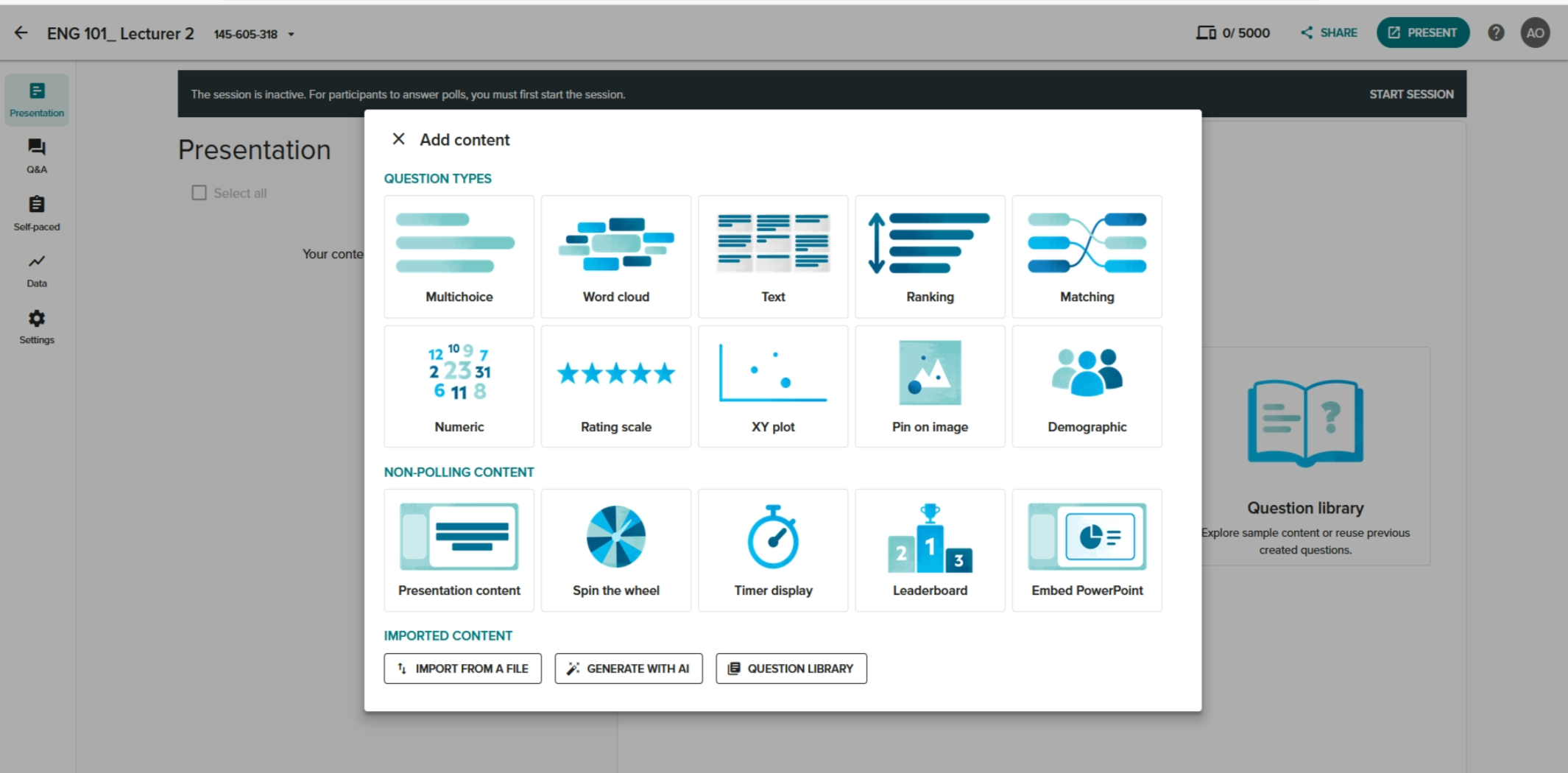
Click on the Question type you want to add. See articles below for instructions.
For more information about each of the polling types available, see the following articles:
Credits: Vevox helpsite