To save time and ensure your live lectures run smoothly, Class for Teams allows you to prepare your content, assignments, and interactive tools ahead of time. Best of all, any settings, files, or activities you set up in advance are persistent—meaning they will remain saved across all scheduled sessions for that specific Class.
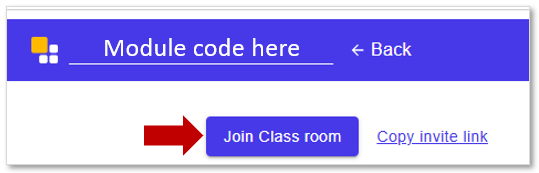
💡 Pro-Tip: To begin preparing, simply click your Class for Teams link in clickUP and join the classroom environment at any time before your first scheduled session.
Class Tools You Can Set Up Early
Review the table below to see which tools can be configured before your students arrive:
| Tool | Purpose & Description |
|---|---|
| Syllabus | Share your study guide, course structure, and academic expectations |
| Web Pages | Add useful URLs and online resources for quick, one-click access during class. |
| Videos | Pre-link YouTube, Vimeo, or standalone MP4 content so they are ready to stream. |
| Files | Upload required readings, slide decks (PDFs), and digital handouts. |
| Presentations | Preload and organize your lecture slide decks. |
| Quick Polls | Create your interactive poll questions in advance to gather instant feedback during class. |
| Whiteboards | Prepare and enable collaborative digital boards for student annotation. |
| Assessments | Set up quizzes or knowledge checks that students will access directly from clickUP. |
| Breakout Room Templates | Pre-assign student groups and configure your preferred room layouts. |
| Chat | Pre-configure communication rules by allowing or restricting learner-to-learner messaging. |
| Seating Chart | Arrange the virtual classroom layout and systematically sync learner video tiles. |
| Captions | Turn on automated closed captions to support course accessibility. |
| Privacy Mode | Adjust and set participant visibility options to control who students can see. |
| Class Roster | Use the Roster management tool to invite and authorize guest lecturers. |
| Notifications | Use the Settings wheel to manage your personal alerts for chat messages, hand raises, and entry chimes. |
Credit to Class for Teams