Instructors often need to review student activity. Student activity helps inform decisions in academic disputes and aids in troubleshooting. You can also analyze the course participation of students at risk.
Instructors can use student participation to support financial aid decisions. For example, requests for tuition fee reimbursements if a student hasn't participated in a course. Course participation records can also help with awarding scholarships.
Follow these steps:
- Click on Gradebook.
- Click on Student View.
- Click on a Student Name.
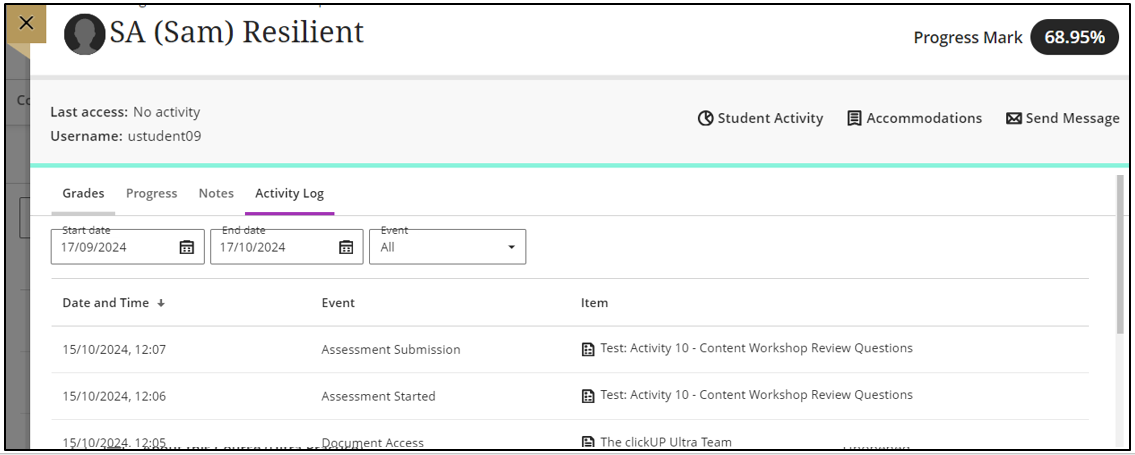
- Click on Activity Log.
Take note
On this page you can also see the students' IP address and Attempt log.