What do the symbols mean that I see in the Gradebook?
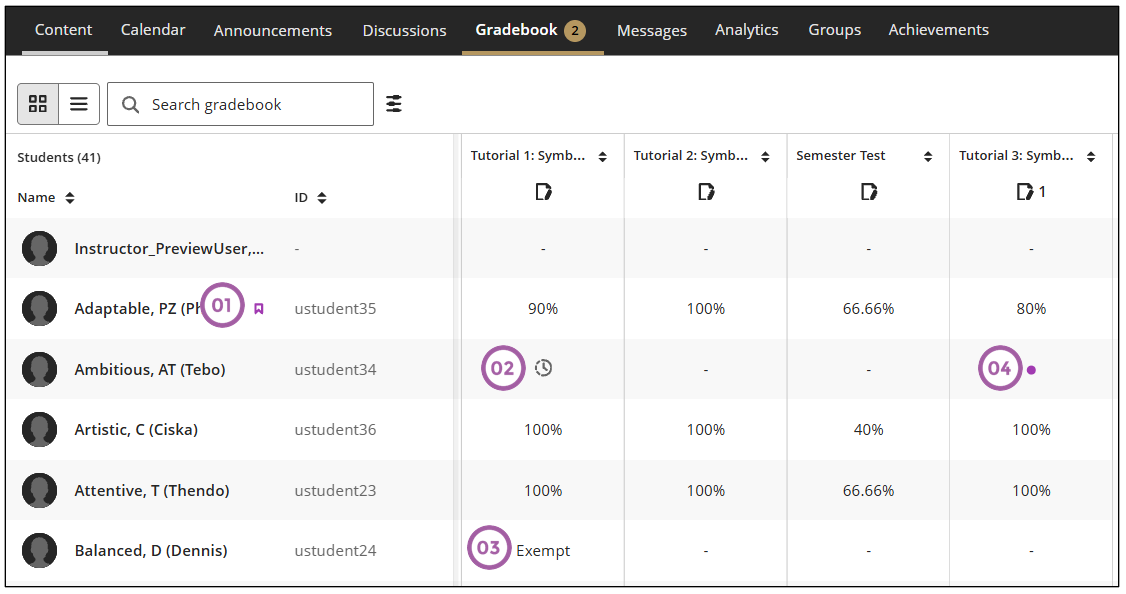
- This icon indicates that the student has accommodations.
- This icon indicates that the student has an exception added for that assessment.
- When a student is exempted from an assessment, the word Exempt is written in that column.
- The purple dot indicates there is a new submission ready to be graded.
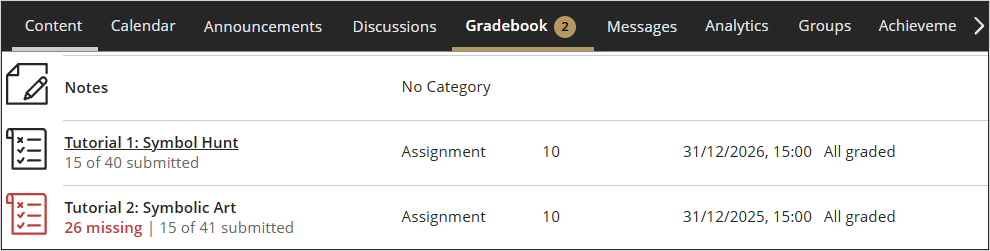
The red icon on the List View indicates that the due date of the assessment is past.